Azure Onboarding Process (script)
Connect Azure EA, MCA, or CSP partner billing accounts using the org-level Cloud Shell script and a client-secret wiv_account service principal.
Written By Dotan Cohen
Last updated About 16 hours ago
Connect Azure to Wiv using the Cloud Shell script. The script configures org-level billing access for Enterprise Agreement (EA), Microsoft Customer Agreement (MCA), and CSP partner billing accounts. Cost data is exported as daily FOCUS Parquet files to Blob storage.
Note: Prefer no client secret? Use Azure Onboarding Process (in-app wizard) or Generate Integration Link in Wiv.
Warning: This path requires a billing account visible to your login (EA, MCA, or CSP partner MCA). Customer tenants with no billing account cannot use this script.
Architecture
Billing account (EA / MCA / CSP partner)
        │
        ▼
  FOCUS daily export (Parquet/Snappy)
        │
        ▼
  Storage account in rg-wiv (shared key disabled)
        │
        ▼
  Wiv reads blobs directly
Prerequisites
Billing agreement: EA, MCA, or CSP partner MCA.
Tenant/billing admin rights to create app registrations, billing exports, and role assignments.
Register Cloud Shell for your subscription.
EA only: Enable Account owners can view charges under Cost Management + Billing → Policies.
What the script does
Verifies
az,curl, andpython3.Creates or reuses the
wiv_accountapp registration (client secret only for a new SP).Grants billing-account roles (Enrollment Reader for EA, Billing account reader for MCA/CSP).
Assigns Reader, Monitoring Reader, and Cost Management Reader on every subscription under the billing account.
Runs a Cost Management smoke test at billing-account scope.
Creates a daily FOCUS export with system-assigned managed identity and secure Blob storage (
allowSharedKeyAccess=false).Optionally assigns Reader + Monitoring Reader at a management group for metrics.
Optionally grants Microsoft Graph User.Read.All and Group.Read.All.
Run the script
Open Azure Cloud Shell and run:
curl -sO https://raw.githubusercontent.com/wiv-ai/AzureOnBoarding/main/.cloudshell/startup.sh && chmod +x startup.sh && ./startup.shWait for the first export
The first FOCUS export can take 5–30 minutes. In the Azure portal, open the billing account → Exports → WivFocusDailyExport → Run now, then confirm part_*.snappy.parquet files appear in storage.
Save the script output
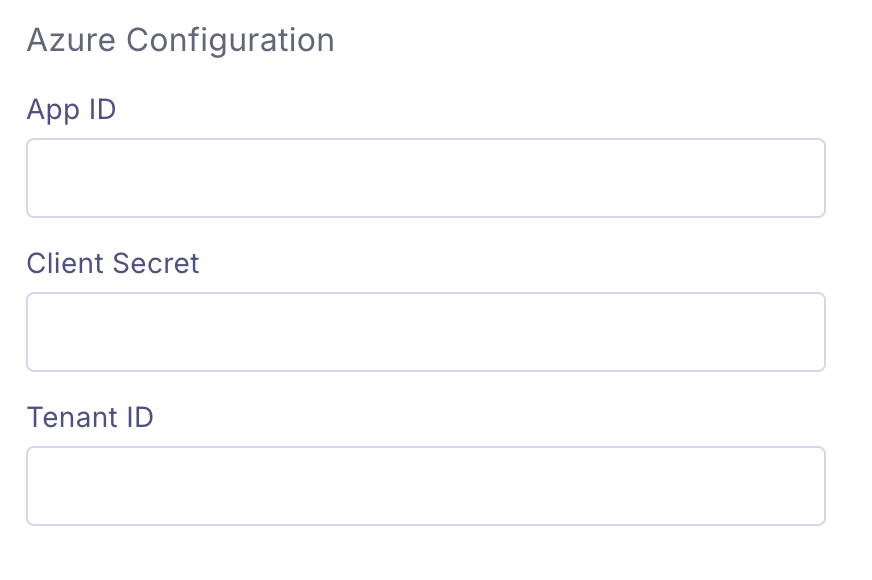
Copy the Wiv integration secret JSON printed at the end of the script. It includes Tenant ID, App ID, Client Secret (new SP only), billing account name, billing storage account, host subscription ID, and export path defaults.
Connect in Wiv
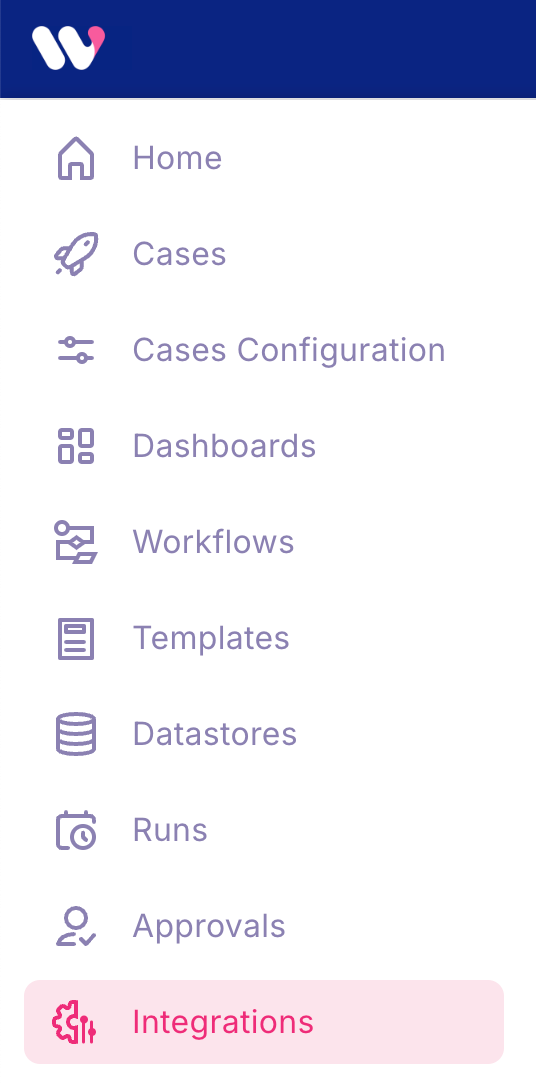
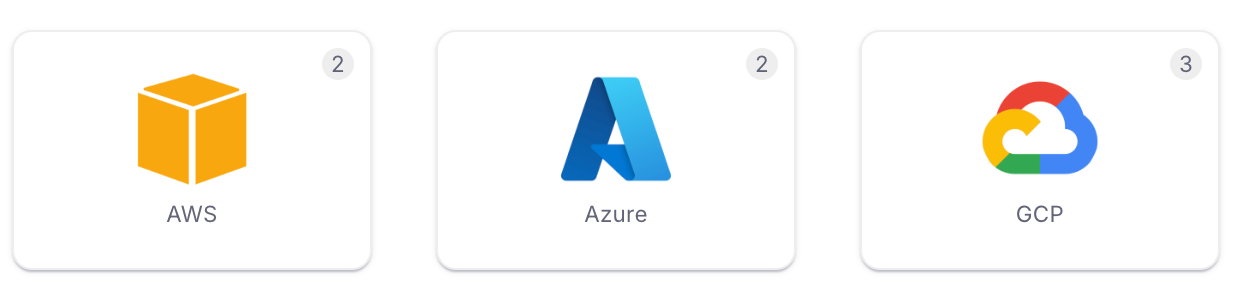
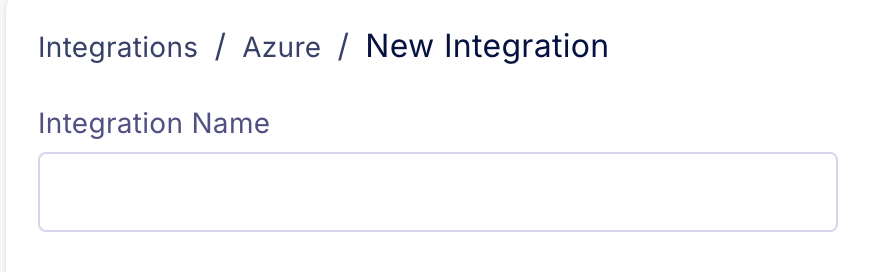
Sign in to Wiv → Integrations → Azure → New Azure Integration.
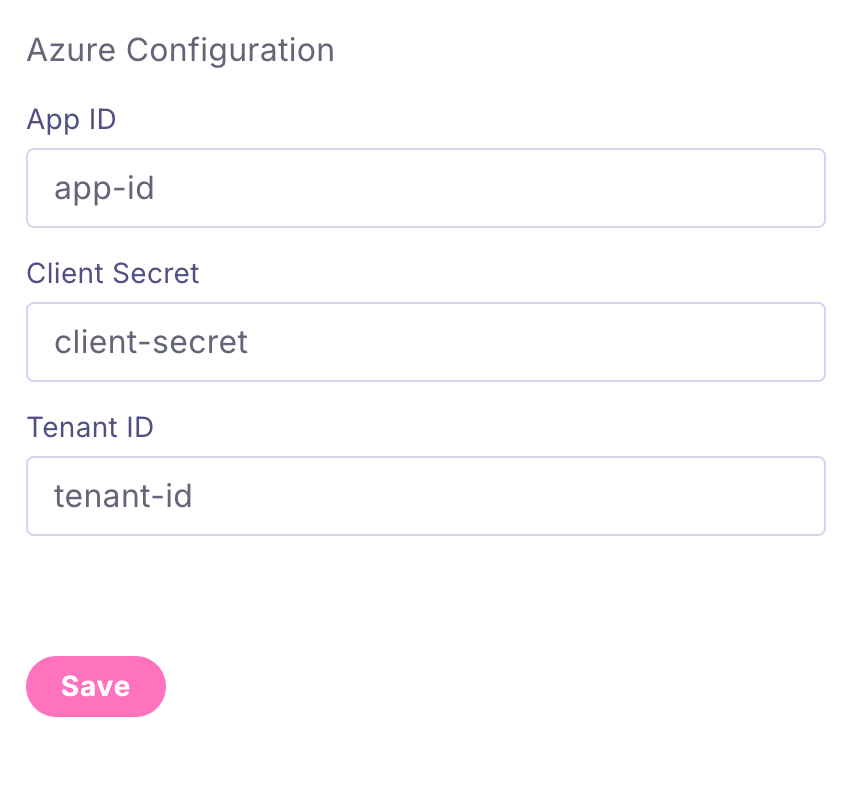
Enter values from the script output JSON: Tenant ID, App ID, Client Secret, Billing account name, Billing storage account, and host subscription ID (plus container / root / export name if you changed the defaults).
Click Save.

Note: The script prints a ready-to-paste Wiv integration JSON at the end (auth_method client_secret, billing_query_backend blob).
Troubleshooting